

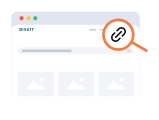
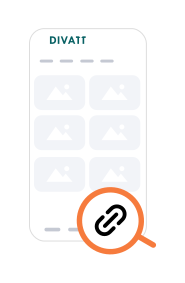
Go to the Links section in your dashboard.


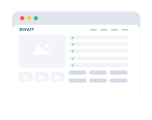
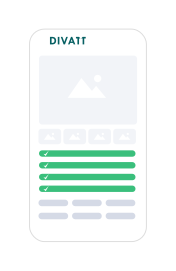
Fill in the required basic details — product name, description, price, delivery timeline — and upload product images.

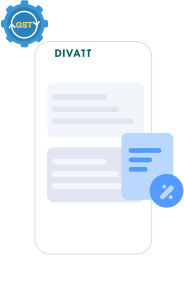
Once submitted, the Divatt team will verify the product and assign the appropriate GST/HSN codes.
After approval, you will receive a notification, and the product will be listed under your Link Products.
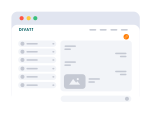
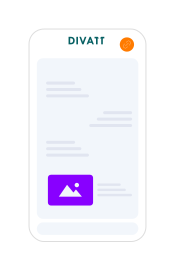
Go to the approved product in your Product Menu, copy the link, and share it directly with the customer in chat.